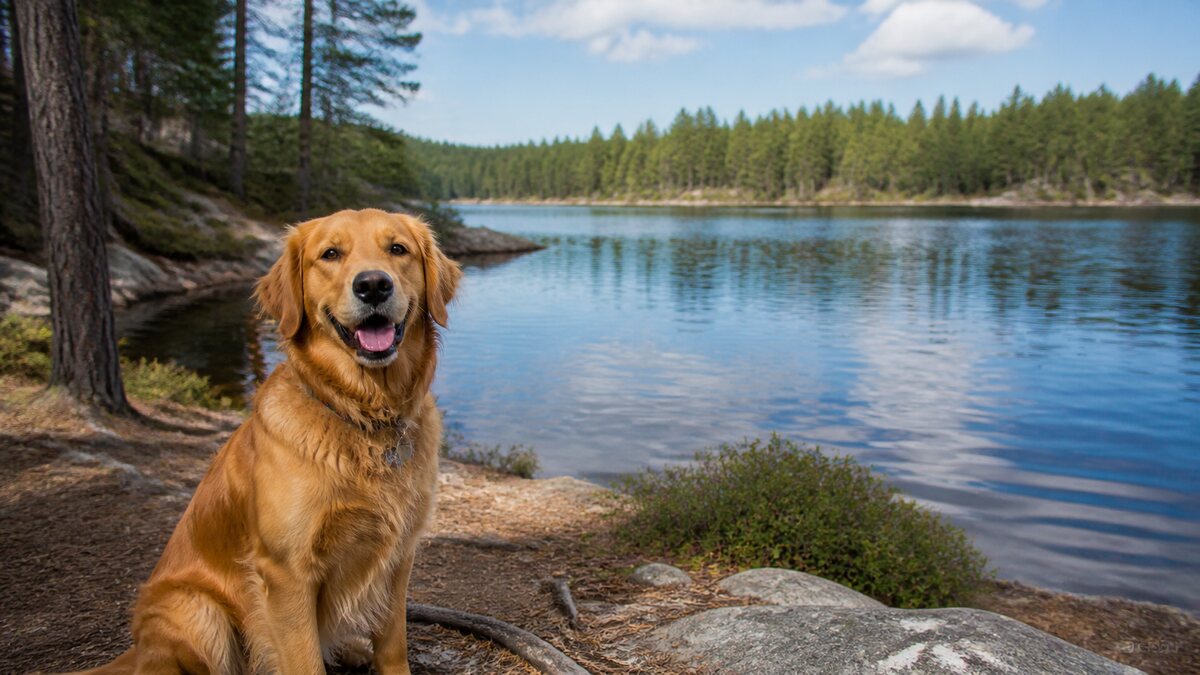
 Original upload
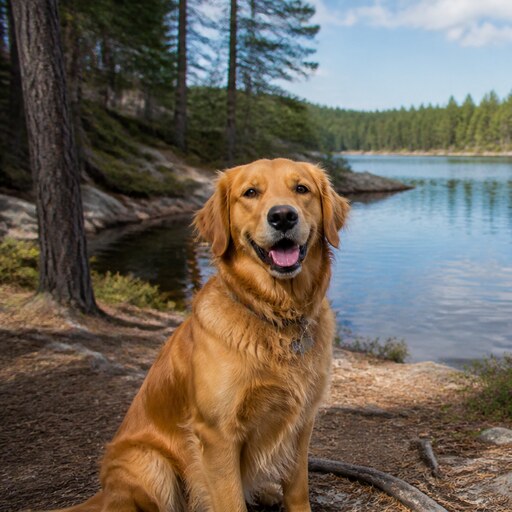 Square PFP
Ready-to-upload resultDiscord ready
Got a landscape or portrait photo that needs to be square? Our tool makes it effortless with smart AI cropping.
or drop a file, paste image or click to browse
Your photo stays in your browser. Free 512×512 export, no watermark.
Sign up free to export 800×800 and 1024×1024, plus 3 AI smart crops every month.
No image? Try one of these:
Turning a wide landscape or tall portrait into a square usually means guessing where to crop. Our tool removes the guesswork: AI finds the best crop area automatically, and you can fine-tune it by dragging. Your image stays sharp with no stretching or quality loss.
Drag and drop, click to browse, or paste from your clipboard. Any image format works.
Our AI automatically finds the best square crop area, centering on faces when detected.
Preview how your square image looks in circular profile picture crops used by Twitter, Discord, and Instagram.
Get your square image as a high-quality PNG. Completely free, no watermarks.
Original uploadSquare PFP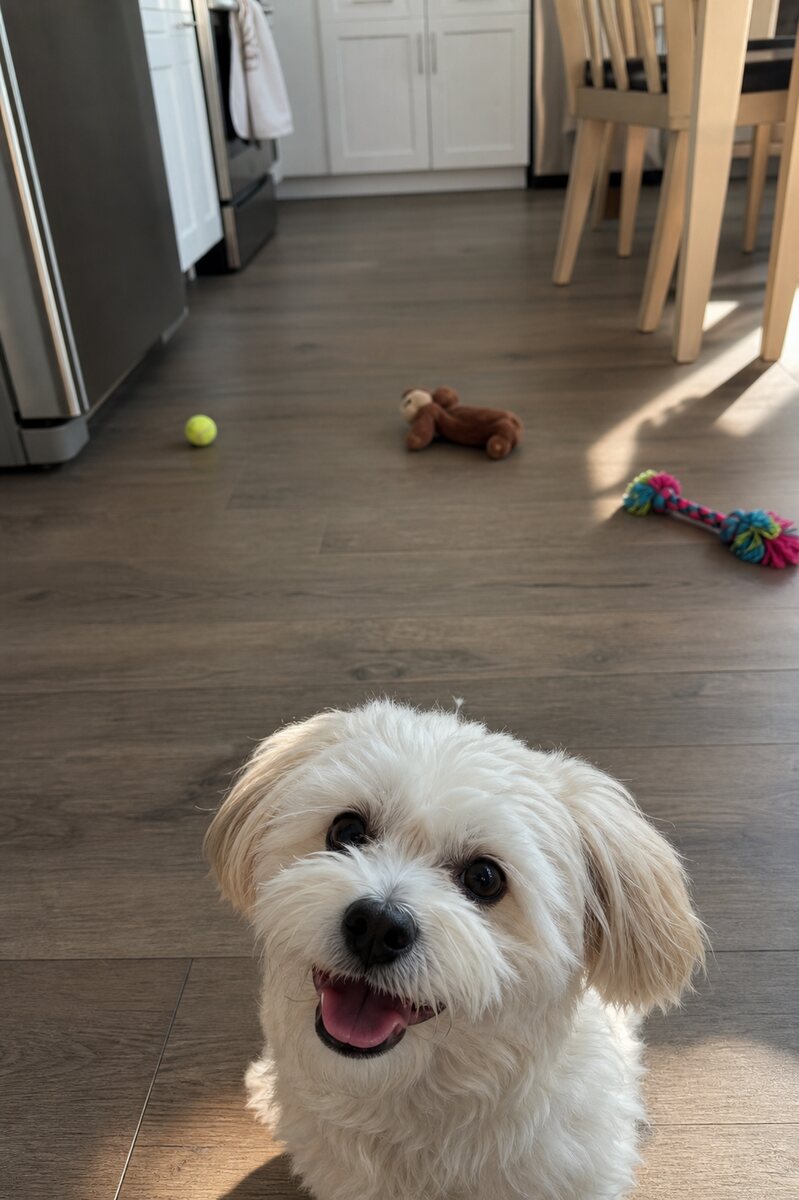 Original upload
 Square PFP
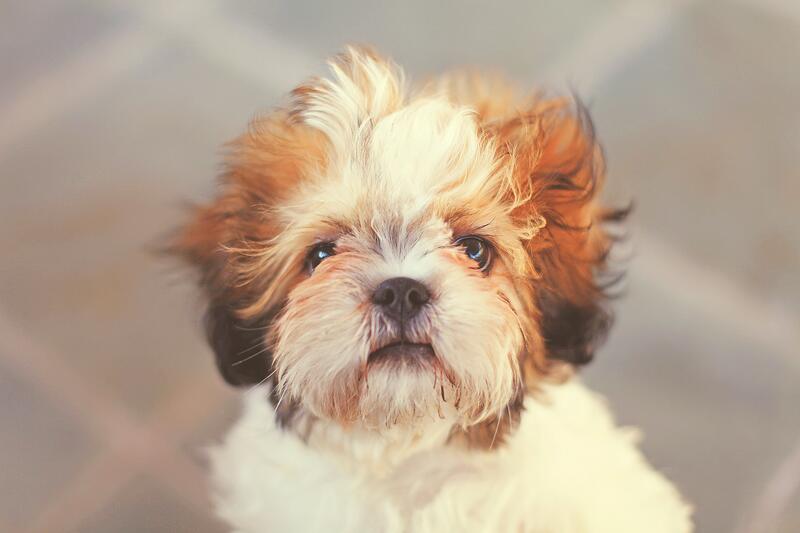 Original upload
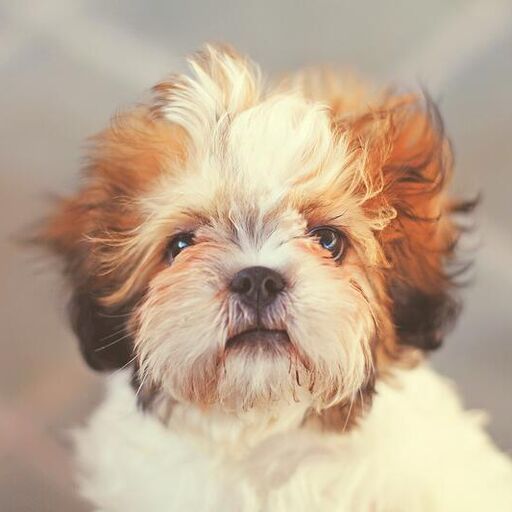 Square PFP
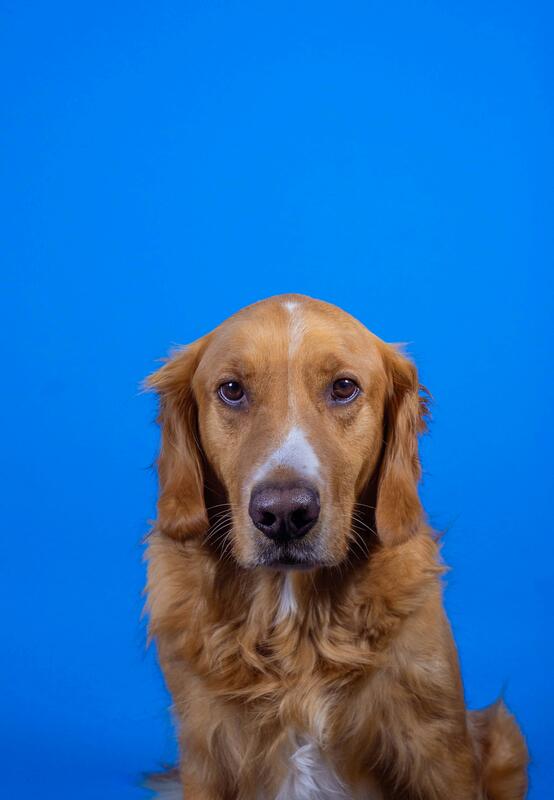 Original upload
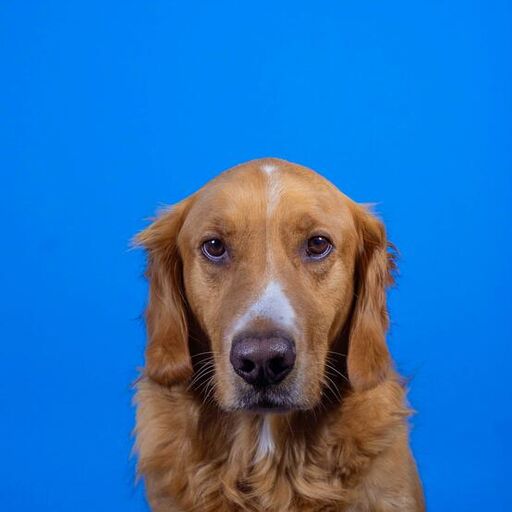 Square PFP
Our tool crops your image to a square without stretching or distorting it. We use AI to find the best crop area that keeps the most important parts of your photo.
Our AI automatically centers on faces when detected. If no face is found, it crops from the center of the image.
There's no strict file size limit. However, very large images may take a few seconds to process. Most photos are processed instantly.