 Original upload
 Square PFP
Ready-to-upload resultDiscord ready
The complete step-by-step guide to creating the perfect square profile picture for any social media platform.
or drop a file, paste image or click to browse
Your photo stays in your browser. Free 512×512 export, no watermark.
Sign up free to export 800×800 and 1024×1024, plus 3 AI smart crops every month.
No image? Try one of these:
A great profile picture is square, centered, and looks good even when displayed as a tiny circle. Most platforms (Twitter, Discord, Instagram, TikTok) crop your image into a circle — if your face is off-center, it gets cut off. This guide shows you how to make a perfect square PFP in under 30 seconds.
Pick a clear, well-lit photo where your face is easily visible. Selfies and portraits work best.
Drag and drop your photo onto the upload area above, or click to browse your files.
Our AI detects your face and automatically crops the image to a perfect 1:1 square, centering your face.
See exactly how your PFP will look in Twitter, Discord, and Instagram's circular crop. No more cropped heads!
Download your square PFP as a high-quality PNG and upload it to your favorite social media platform.
Original uploadSquare PFP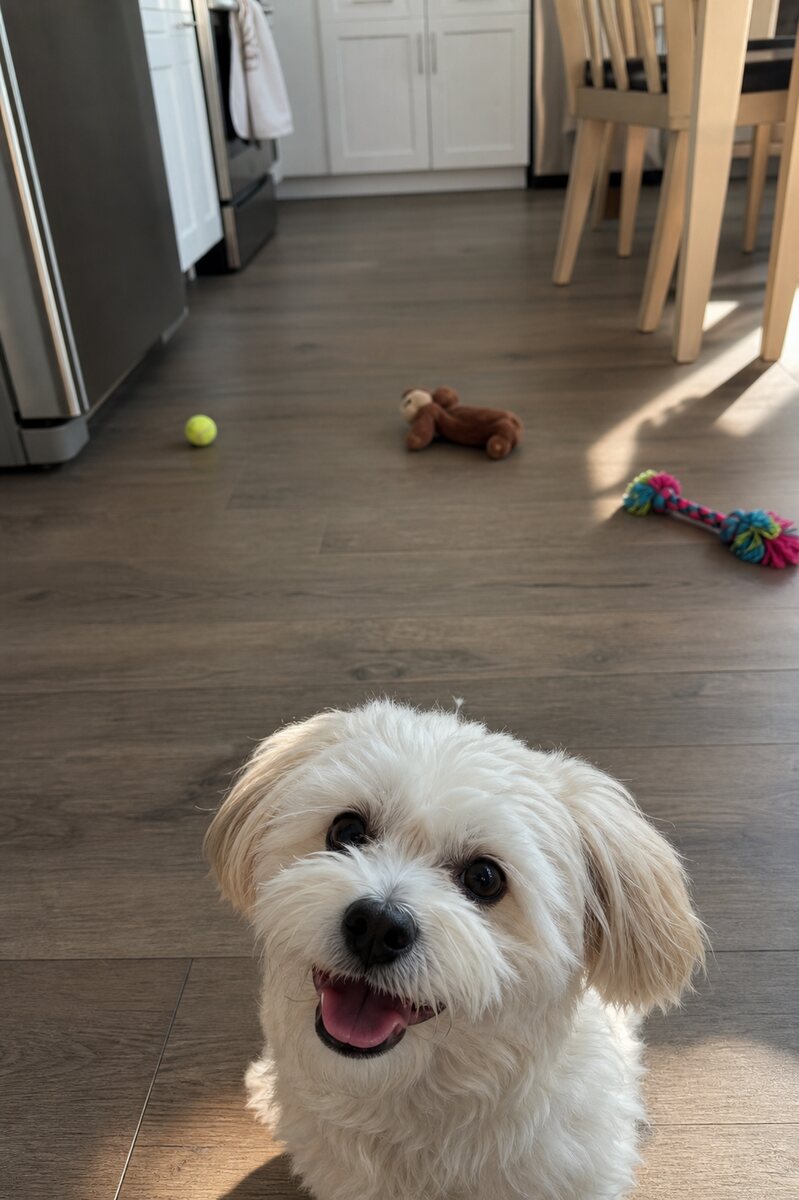 Original upload
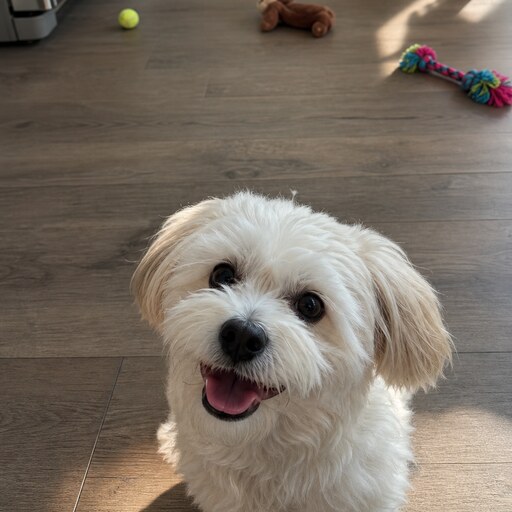 Square PFP
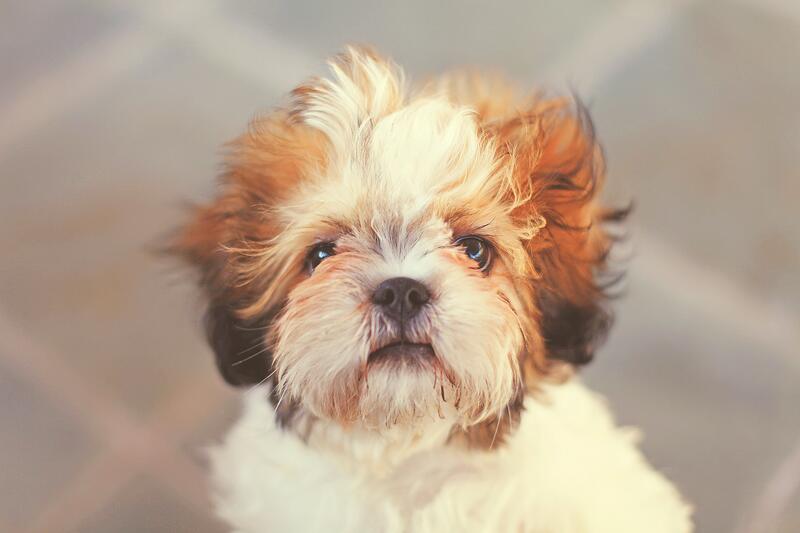 Original upload
 Square PFP
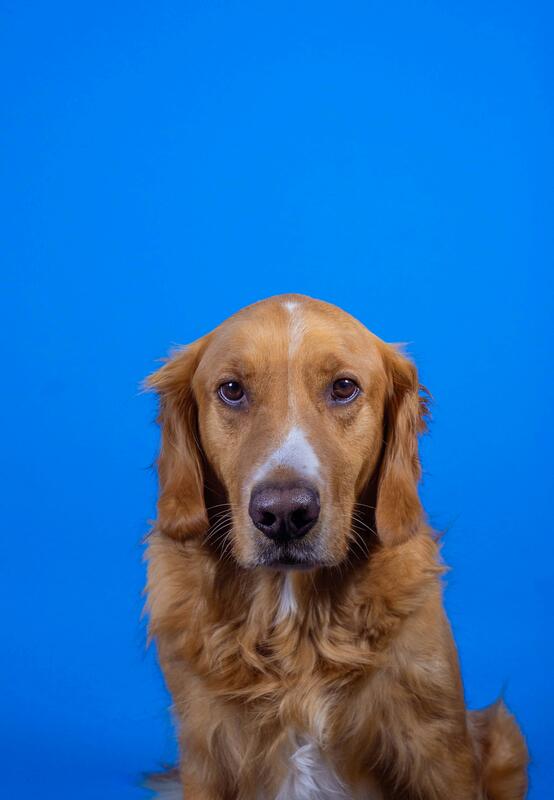 Original upload
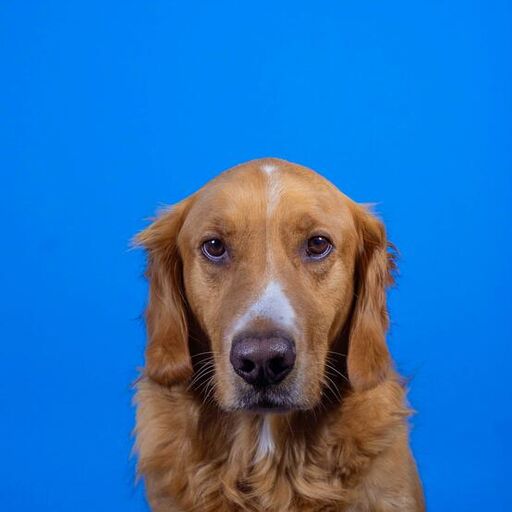 Square PFP
A good square PFP has your face clearly visible and centered. Use a well-lit photo with a simple background. Our tool ensures your face is perfectly centered in the square crop.
Most social media platforms display your PFP as a circle, cutting off the corners. Our circle safe zone preview shows you exactly what will be visible, so nothing important gets cut off.
We recommend at least 400x400 pixels. Our tool outputs at 800x800 pixels, which is more than enough for all major platforms.