 Original upload
 Square PFP
Ready-to-upload resultInstagram ready
Create a Twitter profile picture that looks perfect in the circular crop. See the exact preview before you upload.
or drop a file, paste image or click to browse
Your photo stays in your browser. Free 512×512 export, no watermark.
Sign up free to export 800×800 and 1024×1024, plus 3 AI smart crops every month.
No image? Try one of these:
Keep your face in the center circle — Twitter crops corners
Use a plain or simple background for best results
Recommended size: 400x400px minimum
Our tool shows you the exact Twitter circle preview
Original uploadSquare PFP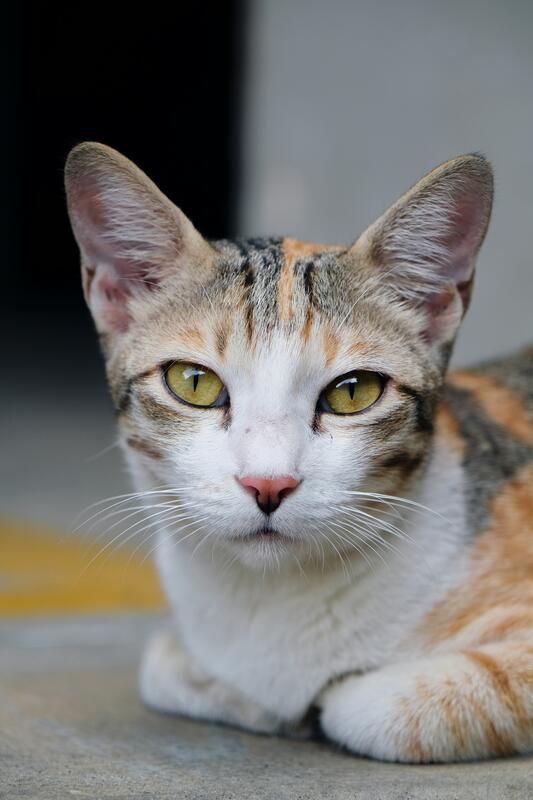 Original upload
 Square PFP
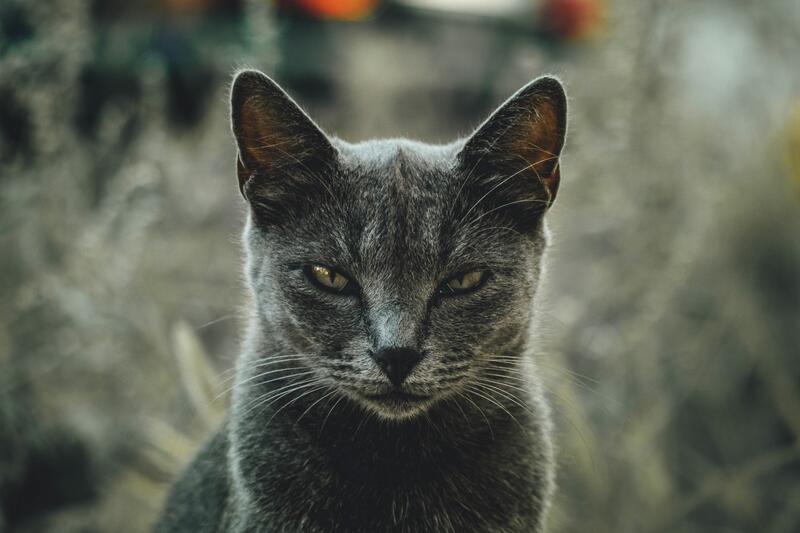 Original upload
 Square PFP
 Original upload
 Square PFP
Twitter recommends 400x400 pixels for profile pictures. Our tool creates an 800x800 pixel square, which is more than enough for crisp display.
Twitter displays all profile pictures as circles, which cuts off the corners of square images. Our circle preview shows you exactly what will be visible.
Center your face in the image and make sure important elements aren't too close to the edges. Our auto face-centering does this for you automatically.