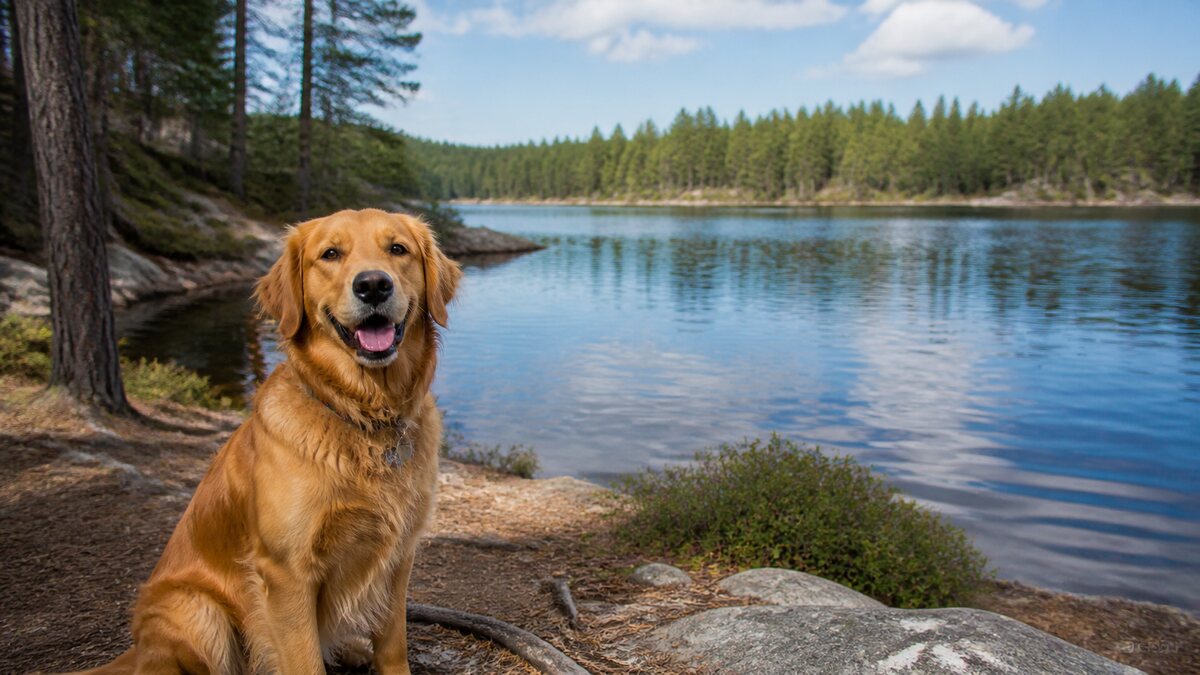
 Original upload
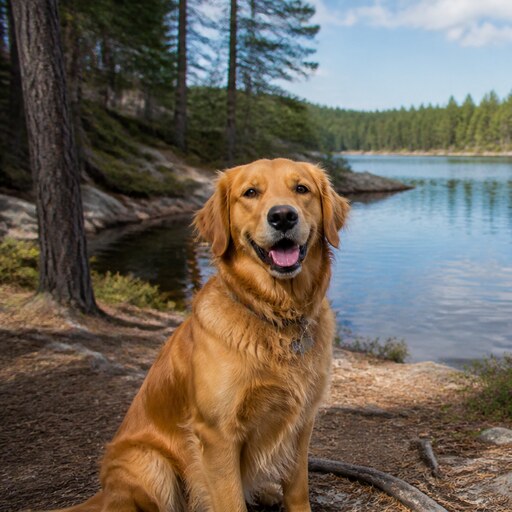 Square PFP
Ready-to-upload resultDiscord ready
Upload any photo, crop it into a perfect square PFP, preview as a circular avatar, and download for Discord, Instagram, TikTok, and more.
or drop a file, paste image or click to browse
Your photo stays in your browser. Free 512×512 export, no watermark.
Sign up free to export 800×800 and 1024×1024, plus 3 AI smart crops every month.
No image? Try one of these:




trusted by creators worldwide
Upload any photo and turn it into a perfect square PFP. Crop your image to a 1:1 profile picture, preview how it looks as a circular avatar, and download a clean PNG for Discord, Instagram, TikTok, YouTube, X, LinkedIn, and more. Most social platforms display profile pictures as circles, but they still work best when you upload a square image. squarepfp.com helps you crop a landscape, portrait, selfie, logo, anime image, pet photo, or avatar into a centered 1:1 square PFP. You can check both the square crop and the circular preview before downloading, so important details do not get cut off. Free export at 512×512 PNG — no watermark, no signup. All processing runs locally in your browser.
Quick answer
A PFP should use a 1:1 aspect ratio: equal width and height. A square image is the safest upload format because Discord, Instagram, TikTok, YouTube, X, LinkedIn, and most other platforms crop profile pictures into a circle after upload.
For Discord, export a 512×512 px PNG. For a universal profile picture that stays sharp across platforms, start from a 1024×1024 px image, keep the face or logo centered, and check the circular preview before downloading.
Drag and drop an image, paste from your clipboard, or click to browse. JPG, PNG, WebP, and most common image formats are supported.
Move and scale the image to create a clean 1:1 profile picture. Face-centered cropping helps keep the subject visible.
Check how your square PFP will look when Discord, Instagram, TikTok, YouTube, or other platforms display it as a circle.
Export a free 512×512 PNG with no watermark. Higher-resolution exports are available for signed-in users.
Each platform displays your profile picture differently. We optimize your crop for every one.
Discord profile pictures are displayed as circular avatars, but the uploaded image should be square. Use squarepfp.com to crop your photo into a 1:1 image, preview how it looks in a circle, and download a 512×512 PNG ready for Discord. No app install, no signup — just upload, crop, and download.
No photo? Generate a cute square face instead.
Try Square Face GeneratorYour photos stay in your browser. Basic cropping and resizing happens entirely on your device — nothing is uploaded to any server. Face detection also runs locally using browser-based AI. No watermarks, no signup required, and no one ever sees your pictures. Create profile pictures for Discord, Instagram, TikTok, X, YouTube, LinkedIn, WhatsApp, and Facebook without compromising your privacy.
Create a 512×512 or 1024×1024 avatar that looks great in both the circle preview and full-size view.
Upload a photo and get a perfectly centered circle crop that won't cut off your face.
Optimize for TikTok's small mobile display with a tightly centered face crop.
Make your channel icon look sharp at every size, from the tiny comment avatar to the full channel page.
Create a professional, well-centered headshot for your LinkedIn profile.
Get a perfectly sized PFP that displays well in both the header circle and tweet avatars.
See raw uploads become clean, ready-to-upload profile pictures
Original uploadSquare PFP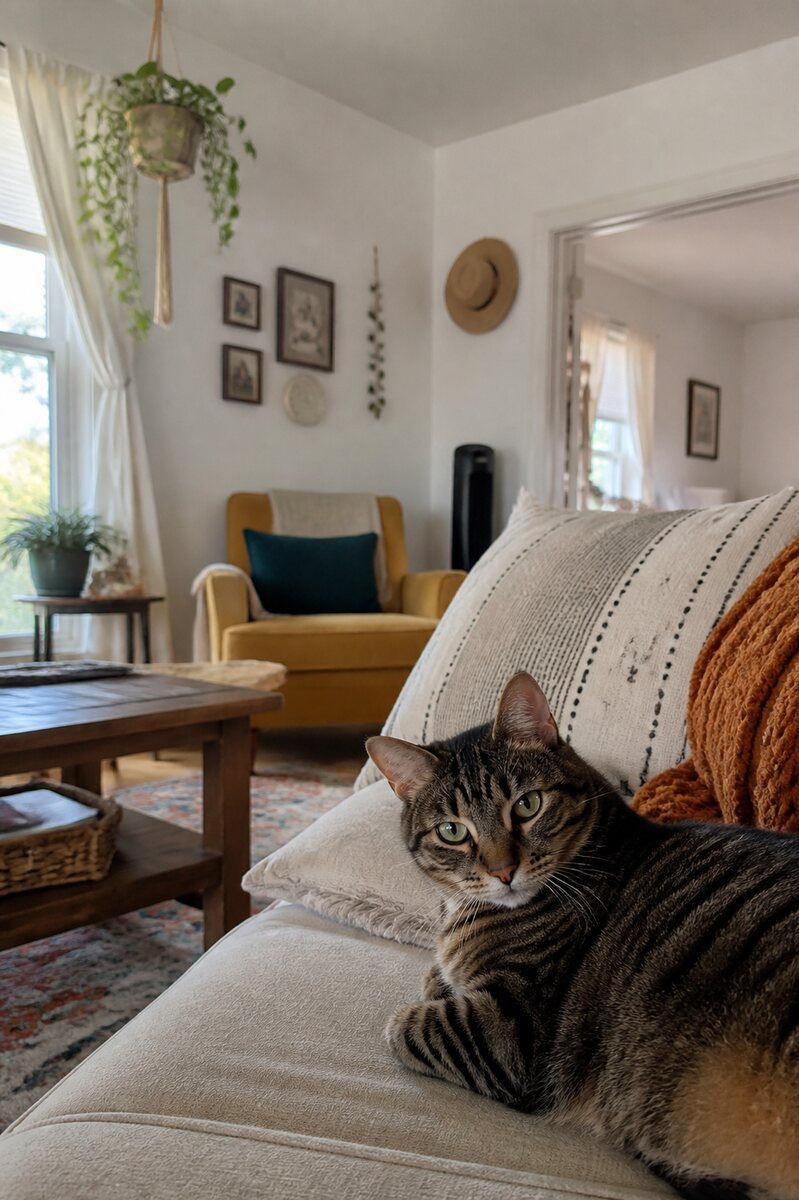 Original upload
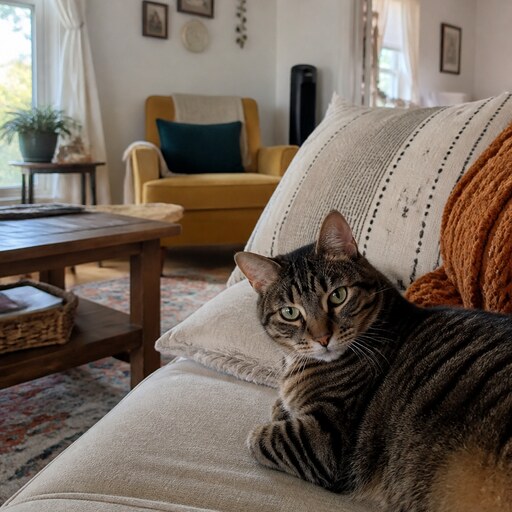 Square PFP
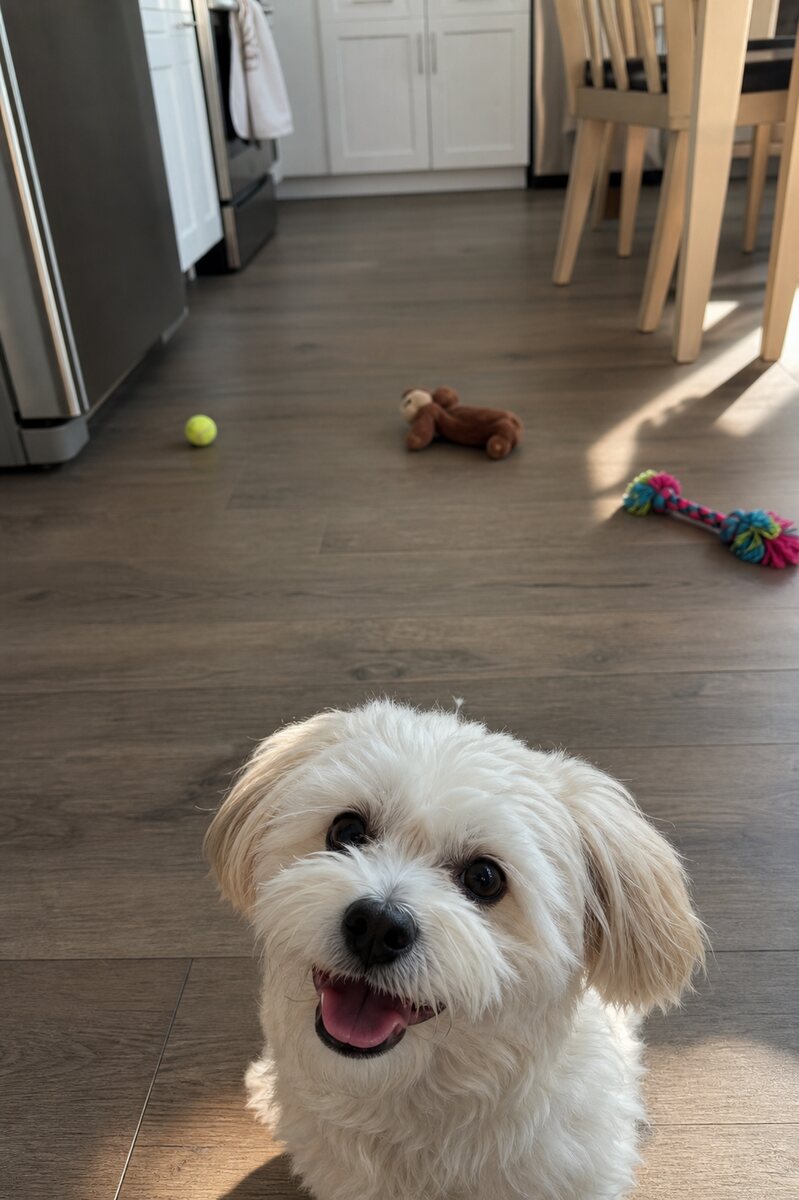 Original upload
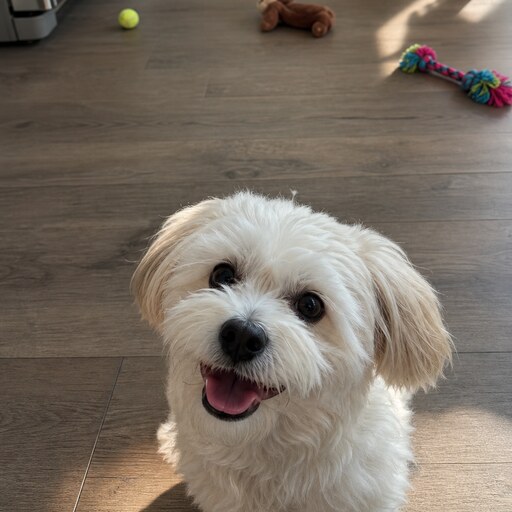 Square PFP
Upload your photo to squarepfp.com, and the tool will automatically detect your face and center it. Preview how it looks as a square and circle crop, then download as PNG. No signup needed.
Yes! The basic tool is completely free: upload, crop, resize, circle preview, and export at 512×512 PNG — no watermark, no signup required. Create a free account to unlock 800×800 and 1024×1024 exports, 3 AI smart crops per month, and platform presets. Upgrade to Pro for 2048×2048 HD export and 300 smart crops per month.
Yes, you can use the profile pictures you create for any personal or commercial purpose. You own all rights to the images.
Absolutely! The tool is fully responsive and works on all smartphones and tablets. Create square profile pictures directly from your mobile browser.
A Discord profile picture should use a square 1:1 ratio. A 512×512 px PNG is recommended for a clear, sharp Discord avatar that looks great in both the circular display and full-size view.
The best PFP ratio is 1:1 (square), meaning the image has equal width and height. Square images work best because most platforms — Discord, Instagram, TikTok, YouTube — crop profile pictures into a circle.
Yes. squarepfp.com shows both the square image and a circular avatar preview before you download. You can also use this as a Discord PFP tester to see exactly how your avatar will look on the platform.
No. Basic cropping and resizing happen entirely in your browser. Face detection also runs locally using browser-based AI — your photo stays on your device and is never uploaded to any server.
A square PFP is a profile picture with a 1:1 aspect ratio, meaning the width and height are equal. Square images work well because most social platforms use a square upload area and then display the avatar as a circle.
Upload your photo, center the face or main subject inside the crop area, and use the circular preview to check the final avatar. Leave a little space around the face so it does not get clipped when the platform displays it as a circle.
Yes. You can upload any image, crop it into a square, preview the circular Discord avatar, and download a 512×512 PNG that is ready to use as a Discord profile picture.
Featured On


