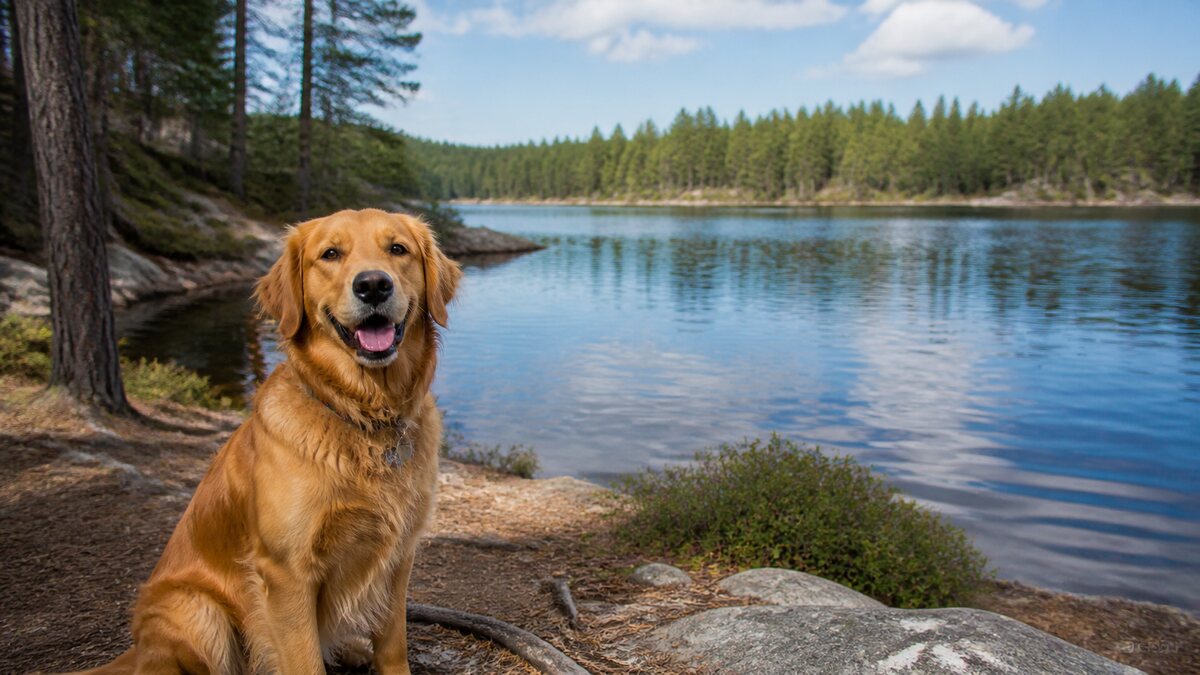
 Original upload
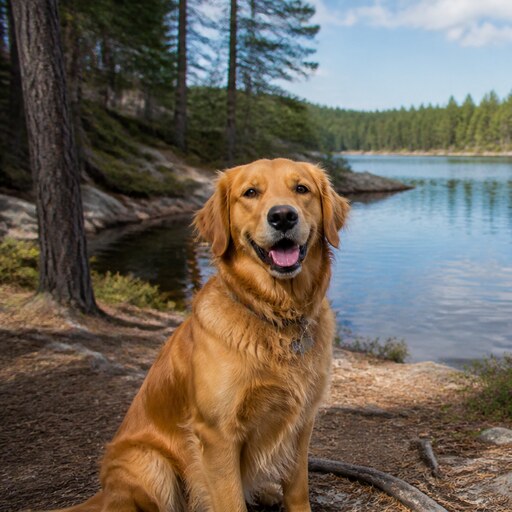 Square PFP
Ready-to-upload resultDiscord ready
Your Instagram profile picture is the first thing people see. Make it perfect with our auto-crop and circle preview tool.
or drop a file, paste image or click to browse
Your photo stays in your browser. Free 512×512 export, no watermark.
Sign up free to export 800×800 and 1024×1024, plus 3 AI smart crops every month.
No image? Try one of these:
Instagram displays your PFP as a tiny circle — keep it simple
Bright, high-contrast images work best at small sizes
Recommended size: 320x320px minimum
Your face should fill most of the circle for maximum impact
Original uploadSquare PFP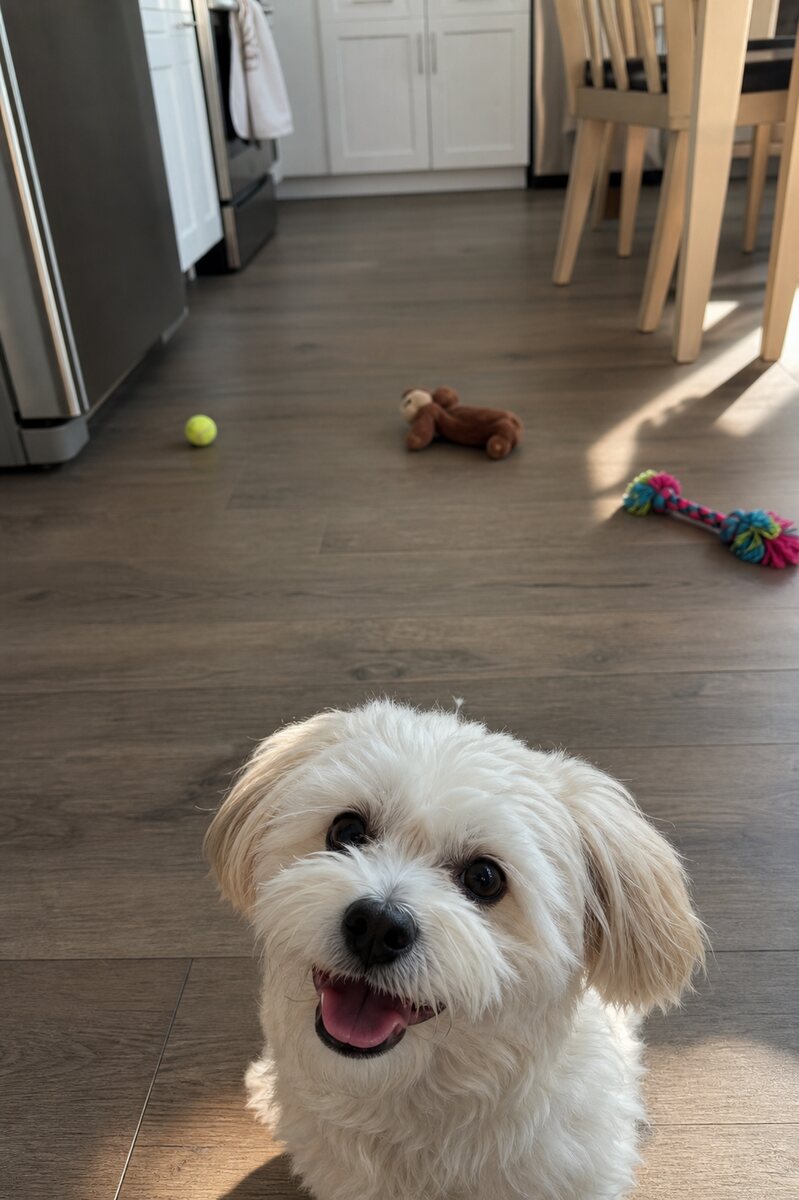 Original upload
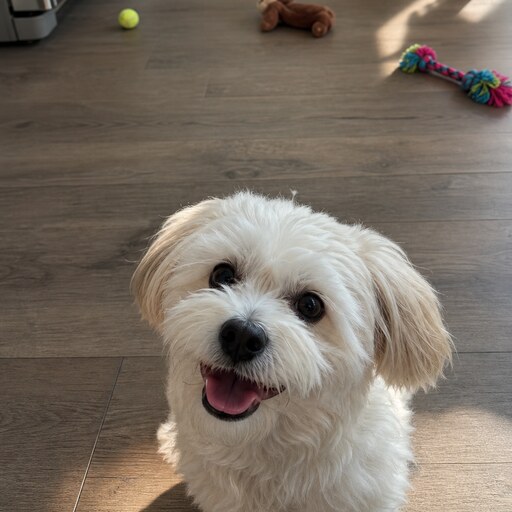 Square PFP
 Original upload
 Square PFP
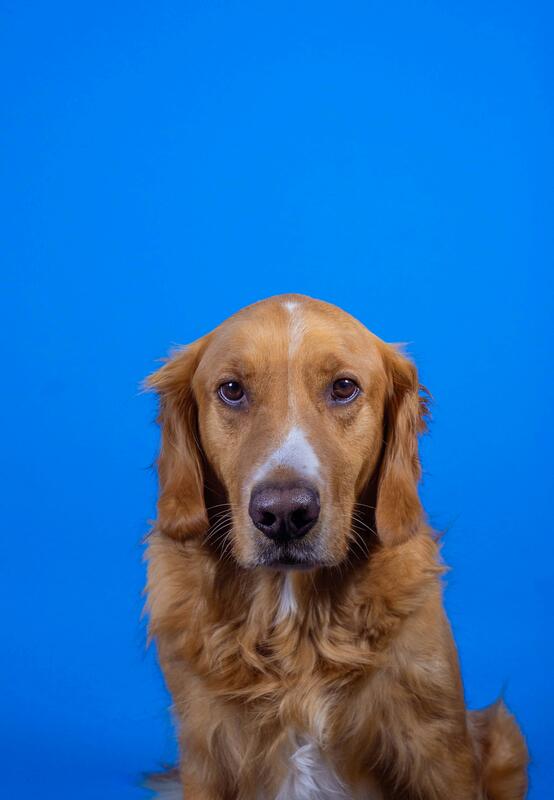 Original upload
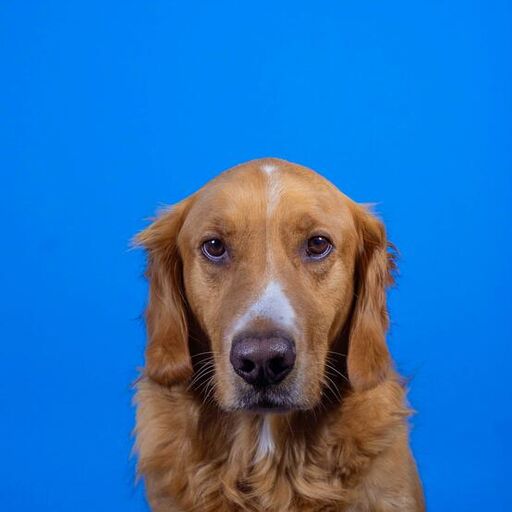 Square PFP
Instagram stores profile pictures at 320x320 pixels but displays them much smaller. Our 800x800 output ensures your PFP looks sharp at any size.
Go to your Instagram profile, tap 'Edit Profile', then tap your profile picture to change it. Use our tool first to create the perfect square crop.
Yes! Our tool works with any image, including logos. Just upload your logo and we'll crop it to a perfect square.