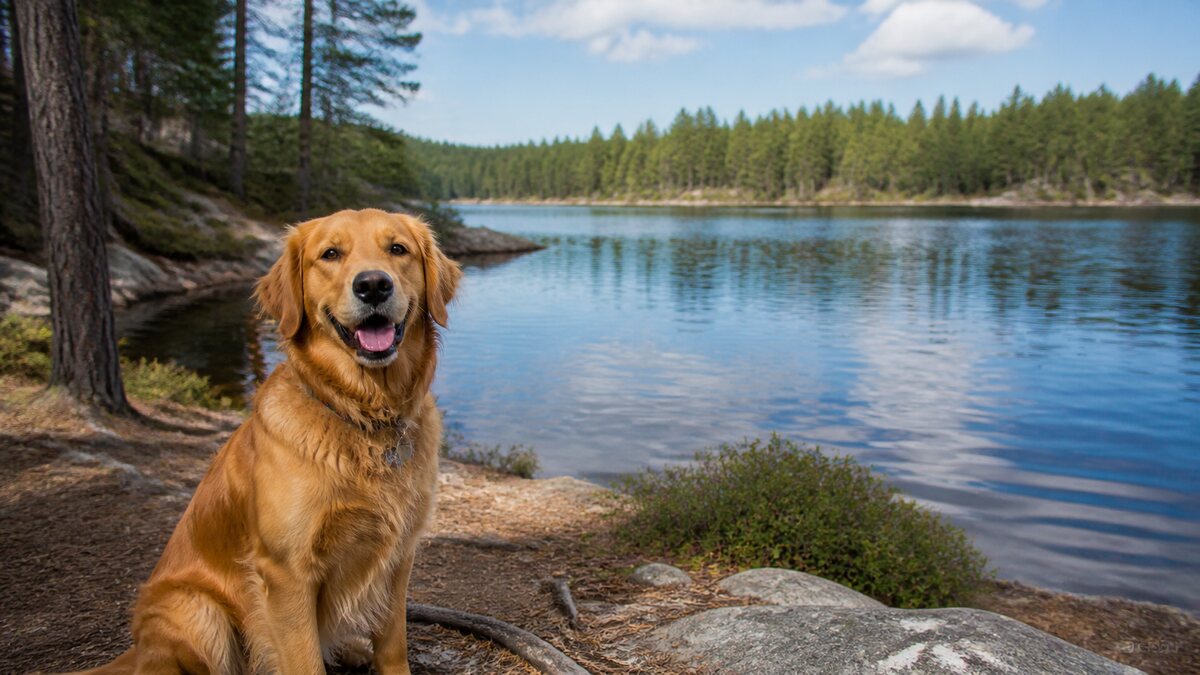
 Original upload
 Square PFP
Ready-to-upload resultDiscord ready
Upload any photo and instantly convert it to a perfect square. Free, fast, and works right in your browser.
or drop a file, paste image or click to browse
Your photo stays in your browser. Free 512×512 export, no watermark.
Sign up free to export 800×800 and 1024×1024, plus 3 AI smart crops every month.
No image? Try one of these:
Whether you have a portrait, landscape, or screenshot — our tool automatically detects the best crop area and creates a perfectly centered square image. No need to open Photoshop or desktop editing software. Works right in your browser on any device.
Click the upload button or drag and drop any image file. You can also paste from clipboard.
Our tool automatically detects faces and crops your image to a perfect 1:1 square, keeping your face centered.
See exactly how your square photo looks in Twitter, Discord, and Instagram's circular crop before downloading.
Download your perfect square photo as a high-quality PNG file. No watermark, no signup required.
Original uploadSquare PFP Original upload
 Square PFP
 Original upload
 Square PFP
 Original upload
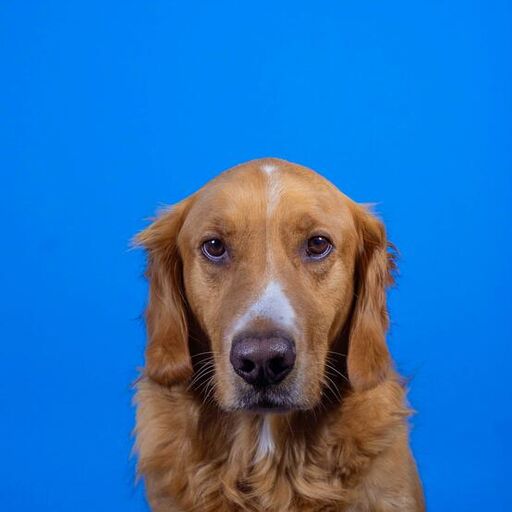 Square PFP
Yes! The basic tool is free with no watermarks and no signup — export at 512×512 PNG. Sign up free for 800×800 and 1024×1024 exports. You can make as many square photos as you want.
We support all common image formats including JPG, PNG, WebP, and BMP. Just upload any image and we'll convert it to a square for you.
No. We crop your photo to a square without reducing quality. The output is a high-resolution 800x800 PNG file.